


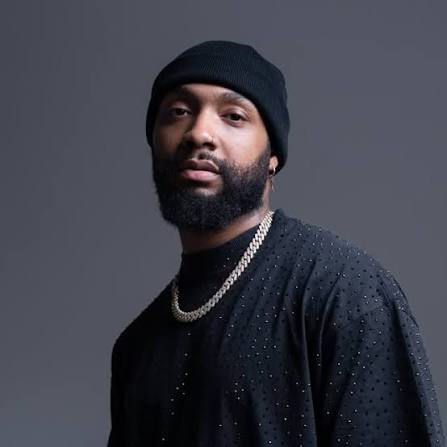
Used by Boi-1da, T-Minus, Charlie Heat
and trusted by 50,000+ producers
Hear it before you read about it. Twist one knob and the sound is yours, without building a patch from scratch.Hear it before you read about it. Twist one knob and the sound is yours.
Free with your order: the Scorch 2 Multi-Kit (drums, loops, ear candy), 20 bonus hardware presets, and every sound from the original Scorch.
"This is crazy, these sounds are literally insane."Allen Ritter
Most of them hand you a library and stop there. Scorch 2 gives you three ways to take any sound further.
Same preset, one knob. Hear it:
A brand-new starting point every time, automatable in your DAW.
Everything stays in key, so you can keep moving.
Tap any track. Different producers, different styles, same plugin.
"I find myself going back to Scorch a lot."

"Scorch really is one of them ones."

"This is crazy, these sounds are literally insane."

"Come onnnnn 🔥"

"Amazed with the sound selections and ability to tweak and design ideas."

"Crazy sounds and presets."

"It can be hard to find the right sounds… with Scorch that'll never happen again."

See the chaos knob in action.
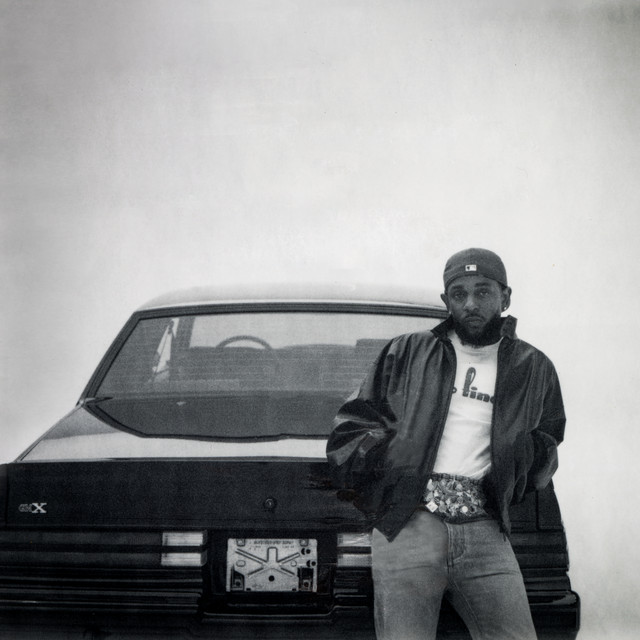
Producers in the Sauceware community have credits across these albums. Now the tools are on your desk.


One-time payment. No subscription. Instant download for Mac and Windows.
The plugin
Included free with every order
Not for you? Email support within 14 days for a full refund.
"I was gonna buy no matter what and I'm glad I did. Changed everything overnight."
Already own Scorch 1? Check your email for your upgrade discount code.
My Best Friend Jacob, Grammy-nominated producer and Scorch creator. Watch the full walkthrough.
Anything else? Email support@saucewareaudio.com
FL Studio, Ableton Live, Logic Pro, Cubase, Studio One, Bitwig, Reaper and Reason. Pro Tools is not supported.
No. Scorch 2 is standalone, and no Scorch 1 is required. The full Scorch 1 sound library is included with it either way.
You'll get an email to create your account. From there you download the plugin, and activation is one click inside your DAW.
They're sent in a separate email right after your purchase.
Check spam first. If it's genuinely not there, contact support with your order confirmation and we'll send it over.
Restart your DAW and refresh your plugin library. If it's still missing, contact support and we'll sort it.
Load a preset. Twist the knob. Make something that doesn't sound like everything else, and if it's not for you, get your money back.